ROAR Augmented Reality App2.73
Publisher Description
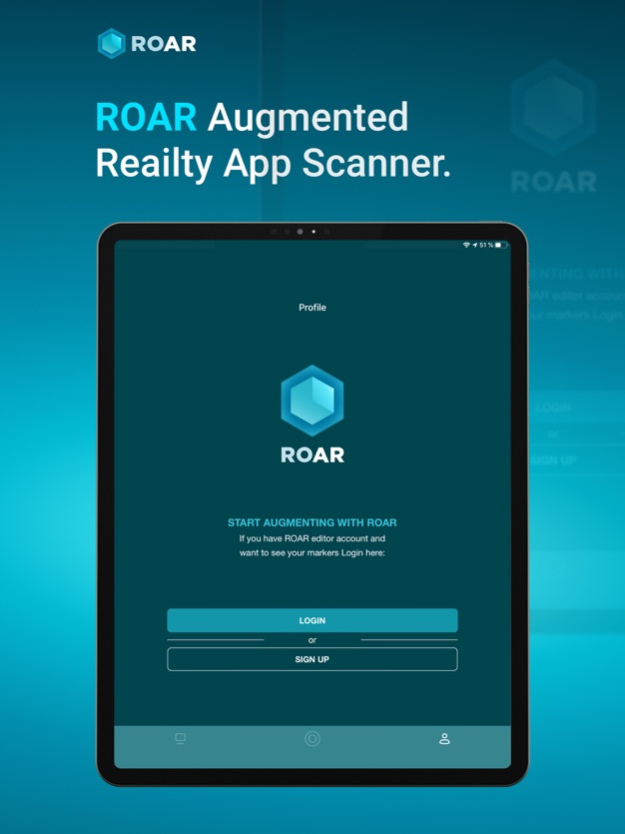
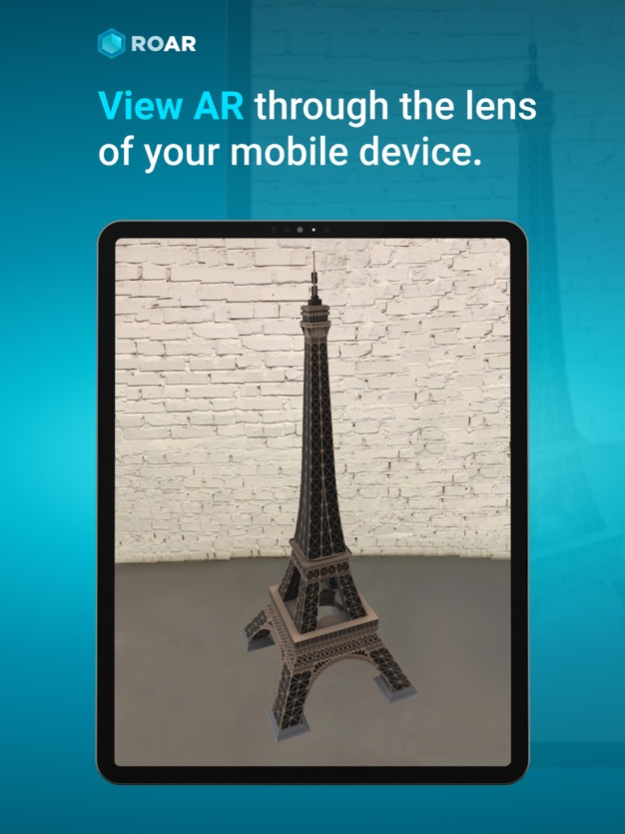
ROAR Augmented Reality Scanner, your gateway to the world of Augmented Reality (AR) which allows you to interact with physical world enhanced through digital content. Augmented Reality content which is created on the ROAR Augmented Reality Editor Platform can be viewed through ROAR Augmented Reality Scanner.
With the ROAR Augmented Reality Scanner app, you can scan and interact with AR Content through the lens of your smartphone.
Simply download the app, and scan physical markers or images that that have been enhanced with AR content, or view ARKIT augmented reality experiences.
To see examples of AR content you can scan with the ROAR app, you can scan examples that can be found here: https://theroar.io/gallery-en/?category trending
The ROAR Augmented Reality Platform (http://www.theroar.io) allows you to create, manage, share and deploy stunning AR experiences triggered by different markers and objects such as product labels, packaging labels, ads, posters, post-cards, business cards, any visual image marker.
Your AR experiences can include photos, videos, text, Audio, 3D Models motion graphics with chromakey, and Geolocation-based notifications. The simple drag and drop ROAR Editor makes creating, managing, deploying and sharing AR easy for anybody. You can create your own Augmented Reality in less than 3 mins and no technical skills are required.
For publishers, brands, retailers, marketers, small business, educators, and even just for fun - ROAR AR is Augmented Reality for Everybody.
For any questions or business inquiries, please email us at info@theroar.io
Nov 23, 2023
Version 2.73
Updated for the latest Vuforia license key.
About ROAR Augmented Reality App
The company that develops ROAR Augmented Reality App is ROAR IO INC.. The latest version released by its developer is 2.73. This app was rated by 2 users of our site and has an average rating of 3.0.
To install ROAR Augmented Reality App on your iOS device, just click the green Continue To App button above to start the installation process. The app is listed on our website since 2023-11-23 and was downloaded 292 times. We have already checked if the download link is safe, however for your own protection we recommend that you scan the downloaded app with your antivirus. Your antivirus may detect the ROAR Augmented Reality App as malware if the download link is broken.
How to install ROAR Augmented Reality App on your iOS device:
- Click on the Continue To App button on our website. This will redirect you to the App Store.
- Once the ROAR Augmented Reality App is shown in the iTunes listing of your iOS device, you can start its download and installation. Tap on the GET button to the right of the app to start downloading it.
- If you are not logged-in the iOS appstore app, you'll be prompted for your your Apple ID and/or password.
- After ROAR Augmented Reality App is downloaded, you'll see an INSTALL button to the right. Tap on it to start the actual installation of the iOS app.
- Once installation is finished you can tap on the OPEN button to start it. Its icon will also be added to your device home screen.
Program Details
System requirements
Download information
Pricing
Version History
version 2.73
posted on 2023-11-23
Nov 23, 2023
Version 2.73
Updated for the latest Vuforia license key.
version 2.72
posted on 2023-03-07
Mar 7, 2023
Version 2.72
Minor bugs fixed
version 2.69
posted on 2022-03-24
Mar 24, 2022 Version 2.69
Fix for GLTF model viewing
version 2.67
posted on 2021-09-21
Sep 21, 2021 Version 2.67
This version includes new Sign In option using Facebook
version 2.66
posted on 2021-08-19
Aug 19, 2021 Version 2.66
Fix for rendering of 3d model using AR Kit
version 2.65
posted on 2021-07-21
Jul 21, 2021 Version 2.65
Fix for the rendering of 3d model
version 2.64
posted on 2021-05-15
May 15, 2021 Version 2.64
We fixed some major bugs
version 2.63
posted on 2021-01-06
5 janv. 2021 Version 2.63
Improvements for Youtube video scanner feature
version 2.63
posted on 2021-01-05
Jan 5, 2021 Version 2.63
Improvements for Youtube video scanner feature
version 2.62
posted on 2020-12-23
Dec 23, 2020 Version 2.62
Improvements for Youtube video scanner feature
